|
 |
|
|

|
|
|
|

|
|
|
|
Discovering MapPoint Map Printing CapabilitiesJohn Washenberger outlines a method for generating large area detailed map images by saving the map as a web page
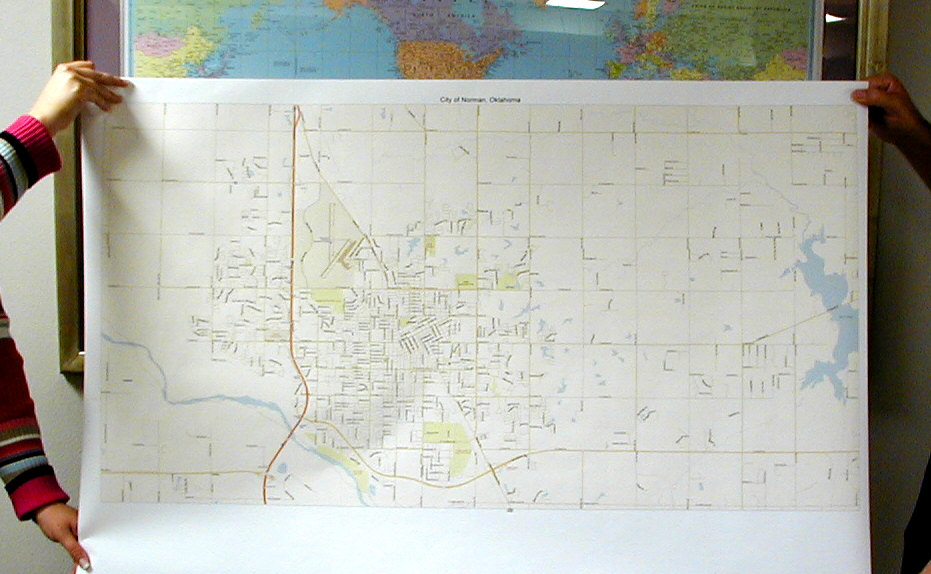
I’ve always wanted to explore the capabilities of MapPoint 2002 for printing out large maps. I never got around to it until recently when I needed a good map of the area where I live, Bainbridge Island, WA. As you see, Chilly Hilly is fast approaching. The Chilly Hilly is a 33 mile organized bicycle ride around Bainbridge Island that draws a few thousand people each year (give or take a couple thousand depending on the weather!). For this event, we invite family, friends and friends of friends, and their relatives over to participate in the ride followed by a little celebration. One thing about the Chilly Hilly route is that it bypasses some of the most scenic (and most difficult) roads on the island. So each year, I offer up some alternatives to riders who are interested in going off the beaten path. Some want shorter routes; others want the “full meal deal” including the dreaded Toe Jam Hill. As you may have guessed by this point, I needed a map of the Island so that I could allow my guests to take a look at the alternatives. This led me to October edition of the newsletter published by MP2KMAG.com where I had seen a photo of a map measuring 30"x44" that was generated using MapPoint 2002 (View the photo here). Unfortunately, the news clip in the newsletter did not include information on how printing a map of this size was achieved. I started snooping around and learned that the “Print” feature was limited to printing only the display area of the map and the paper size offered by the printers connected to the machine from which MapPoint was being used. I have a 19” inch monitor and have never spent more than $200 on printer (actually $160 with the rebate). Things didn’t look good. But how did they print out that 30” x 44” map. Well, I took a closer look at the “File” menu and noticed the “Save as Web Page” menu item. This feature allows you to control the size of the generated map by entering the “Map size in pixels” height and width which can be maxed out at 3500 x 3500. I fooled around with this for a while and discovered that the detail was effected by the detail of the map displayed and the height and width entered in the “Save as Web Page” dialog. To help maximize the detail, I selected the highest resolution of my monitor (1600x1200) pixels. I then selected the area of interest using the “Select” feature on MapPoint’s “Navigation” toolbar and maximized the window followed by zooming in to get the best possible detail of the selected area Finally, I saved the map as a web page after setting the “Map size in pixels:” to 3500x3500. MapPoint saves the map to a specified folder in GIF format. Once I opened the GIF file, I noticed the detail was better than MapPoint had displayed on the screen.
Now I just needed a printer to print the map. To accomplish this, I copied the file to a floppy and headed off to Kinkos. Once there, I handed over the floppy and requested a printout. After reviewing the file, they presented me with the option of having a colored print generated for $100 or a black and white print for $4.00. Needless to say, this decision was easy to make and within a couple minutes I had a black and white copy of the Bainbridge Island map measuring 36” x 24” with enough detail to serve its purpose for mapping out alternative routes. 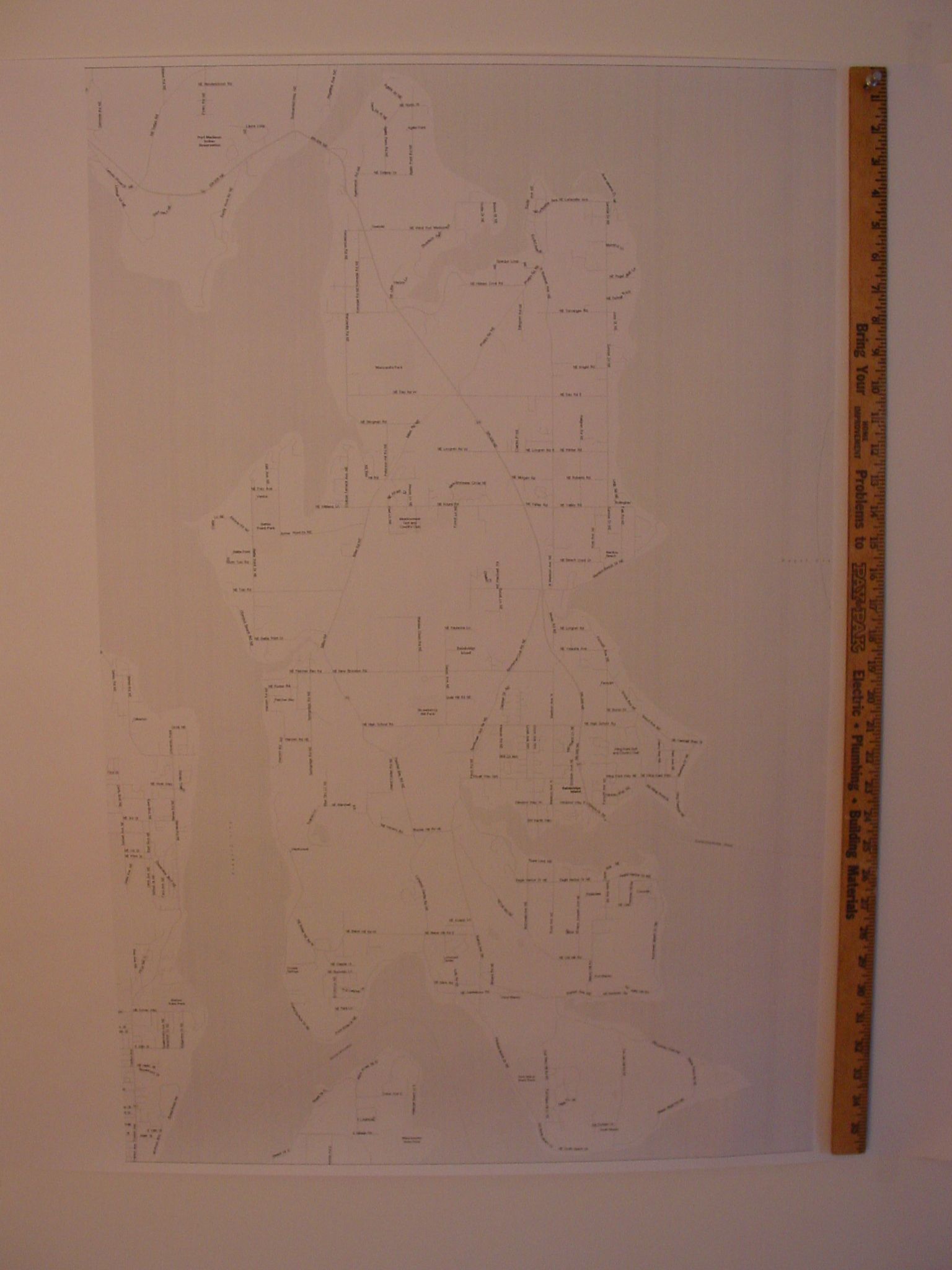 (click on the image to view the entire photo, 225k) March 10, 2003 Update: A color map is now available. John Washenberger used the large-format plotting services of Mattys Consulting. 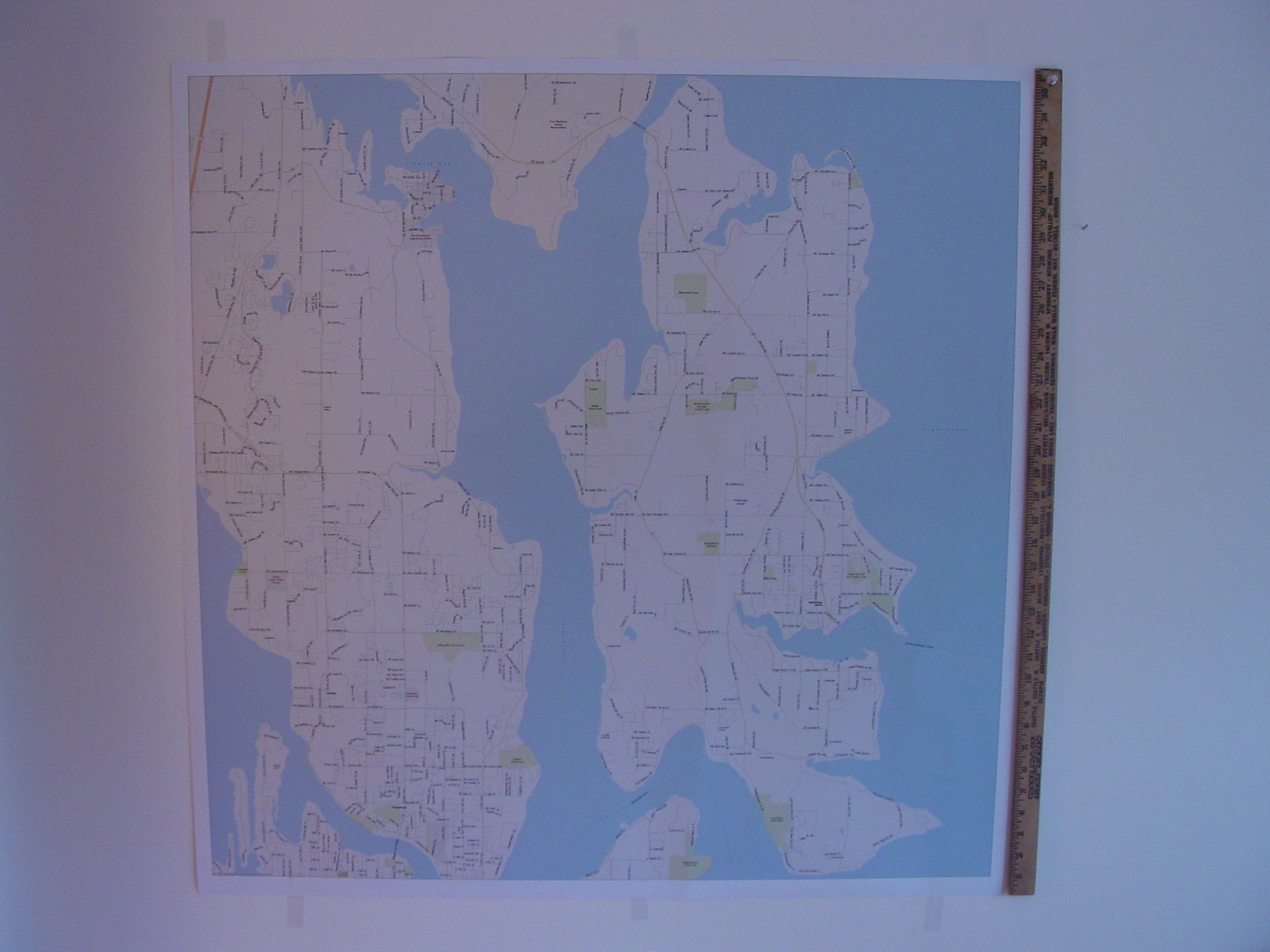 (click on the image to view the entire photo, 1,220k) Every time I look around a corner in MapPoint I find a tidbit of functionality that increases my appreciation of this application and enhances its value to me as a tool (I encourage you to read “MapPoint Review and Perspective” by Andrew Whitman for more on this subject). I would be very interested in hearing any other experiences people have had in printing maps using MapPoint.
Author: John Washenberger Email: jwash(AT)seadak.com URL: http://www.seadak.com John is a Software Development Consultant for SeaDak Solutions, Inc. located on Bainbridge Island, WA which specializes in developing Microsoft integrated office and database solutions.
|
|
|
|
|
||||||||||||||||||||||||||||||||||||||||||||||||||||||||||||
|
||||||||||||||||||||||||||||||||||||||||||||||||||||||||||||||||||||